Polar sync app
Sync your Polar — your runs, automatically in one app.
Polar is great for tracking your runs, but it does nothing for the gym. Activ.run syncs your Polar runs automatically and holds your strength training in the same place.
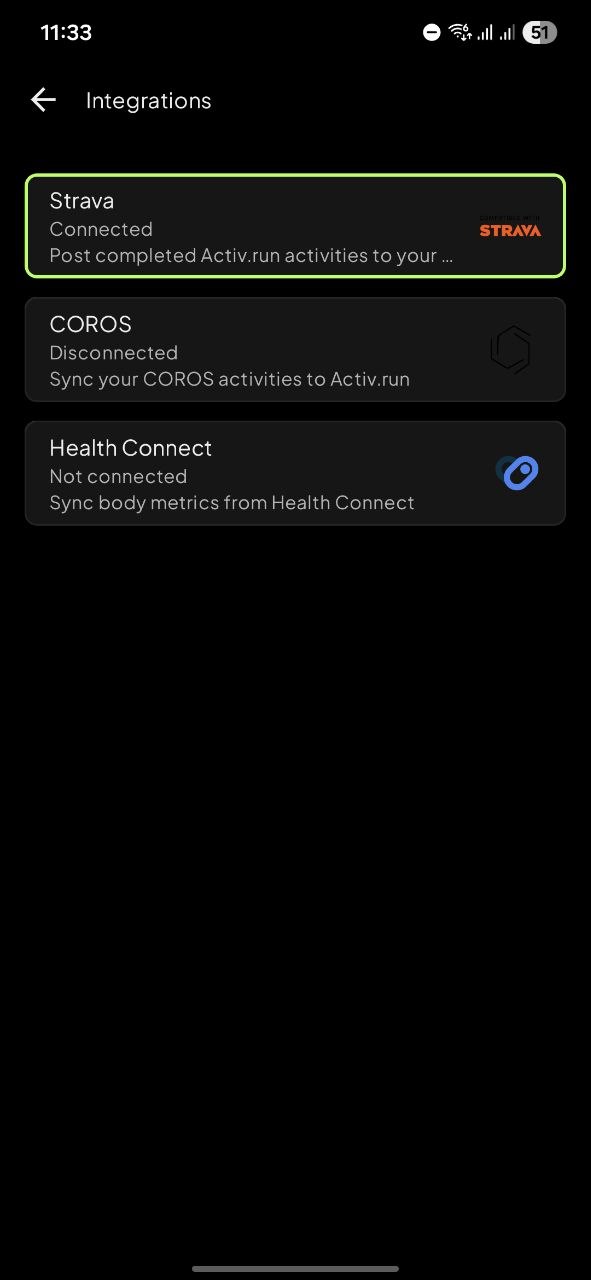
Automatic run sync
Every Polar run, synced automatically
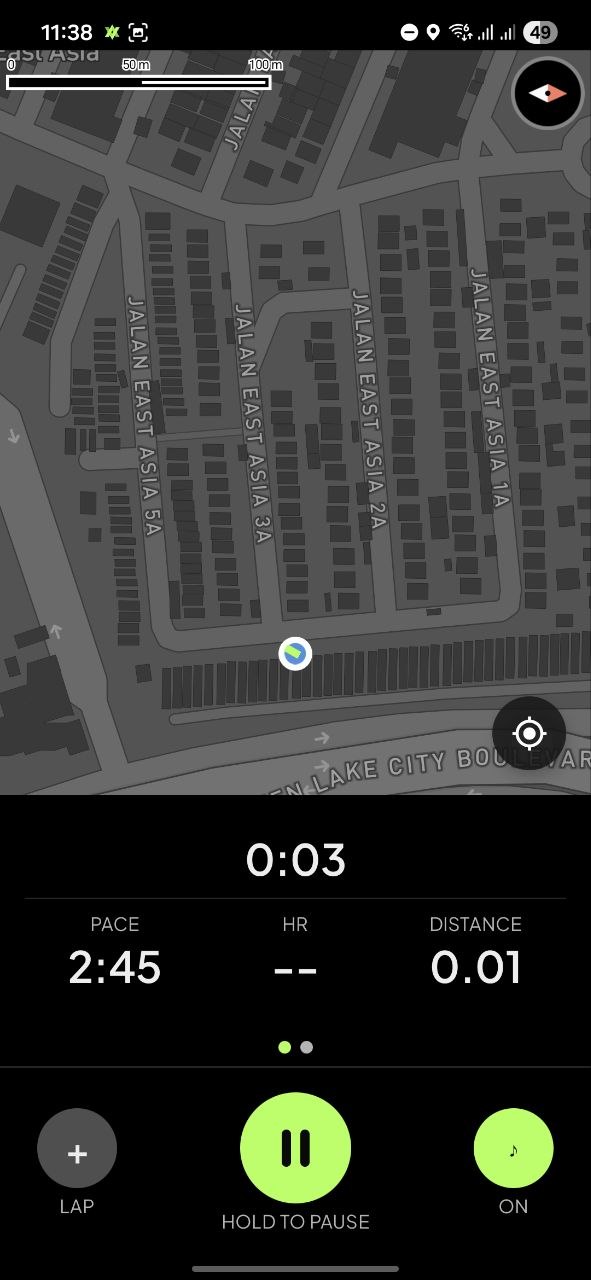
Your Polar watch runs are pushed to Activ.run automatically via webhook — no manual export, no FIT file downloads. Every run arrives with full data parsed: pace, heart rate, splits, and elevation.
- Automatic sync — new runs pushed to Activ.run
- Full FIT data — pace, heart rate, splits, elevation
- Runs beside your gym log — one timeline
How to connect
Connect Polar in four steps
1. Open Activ.run → Integrations. 2. Choose Polar. 3. Authorize your Polar account (Polar Flow). 4. Your runs appear automatically.
Runs from the last 30 days are imported once. After that, every new run syncs automatically.
Your data
What data we save from a Polar run
- GPS route — your run mapped on the route view
- Heart rate — full HR chart and time-in-zone
- Pace and per-kilometre splits — every km broken down
- Distance, duration, calories — the basics always there
- Cadence and elevation — deeper run metrics
All data is used only within Activ.run for your run history, route map, heart-rate chart, and analytics. It is never sold, shared with advertisers, or used for model training.
Polar sync FAQ
Common questions
How do I connect Polar to Activ.run?
Open Integrations in Activ.run, choose Polar, and authorize your Polar account (Polar Flow). That's it — your recent runs from the last 30 days are imported once, and every new run syncs automatically after that.
Do my old Polar runs come over?
Yes — runs from the last 30 days are imported once when you connect. New runs sync automatically going forward.
Is the sync automatic?
Yes. After the one-time import, every new Polar run is pushed to Activ.run automatically — no manual export needed.
What Polar data does Activ.run save?
From each run: GPS route, heart rate, pace and per-kilometre splits, distance, duration, calories, cadence, and elevation. This data comes from the run's FIT file and is used only within Activ.run.
Does it import gym or strength workouts from Polar?
No — only running-family activities are imported from Polar. You log your gym sessions directly in Activ.run.
What happens if I disconnect Polar?
Activ.run's access to your Polar account is revoked and no new runs sync. Data already imported stays in your Activ.run account.
Your Polar runs, plus your gym.
Automatic sync, full run data, and your gym log in one app. Free on Google Play.